What is vibe coding? Build a website without coding
Learn what vibe coding means, how to describe a simple website to an AI tool, and what to test before you share or rely on the result.
DIT Team 6 min read

Vibe coding means describing the software or website you want in everyday language and using an AI coding tool to help create and revise the code. It can help a beginner make a simple first version without writing every line by hand, but it does not remove the need to test the result. This guide explains how to start with a small website idea and check it before sharing it.
If you are new to AI, join the free AI 101 class. It covers ChatGPT, Claude and Gemini for real tasks, offers a reusable prompt framework and shows where AI answers need checking, with no coding needed.
What is vibe coding?
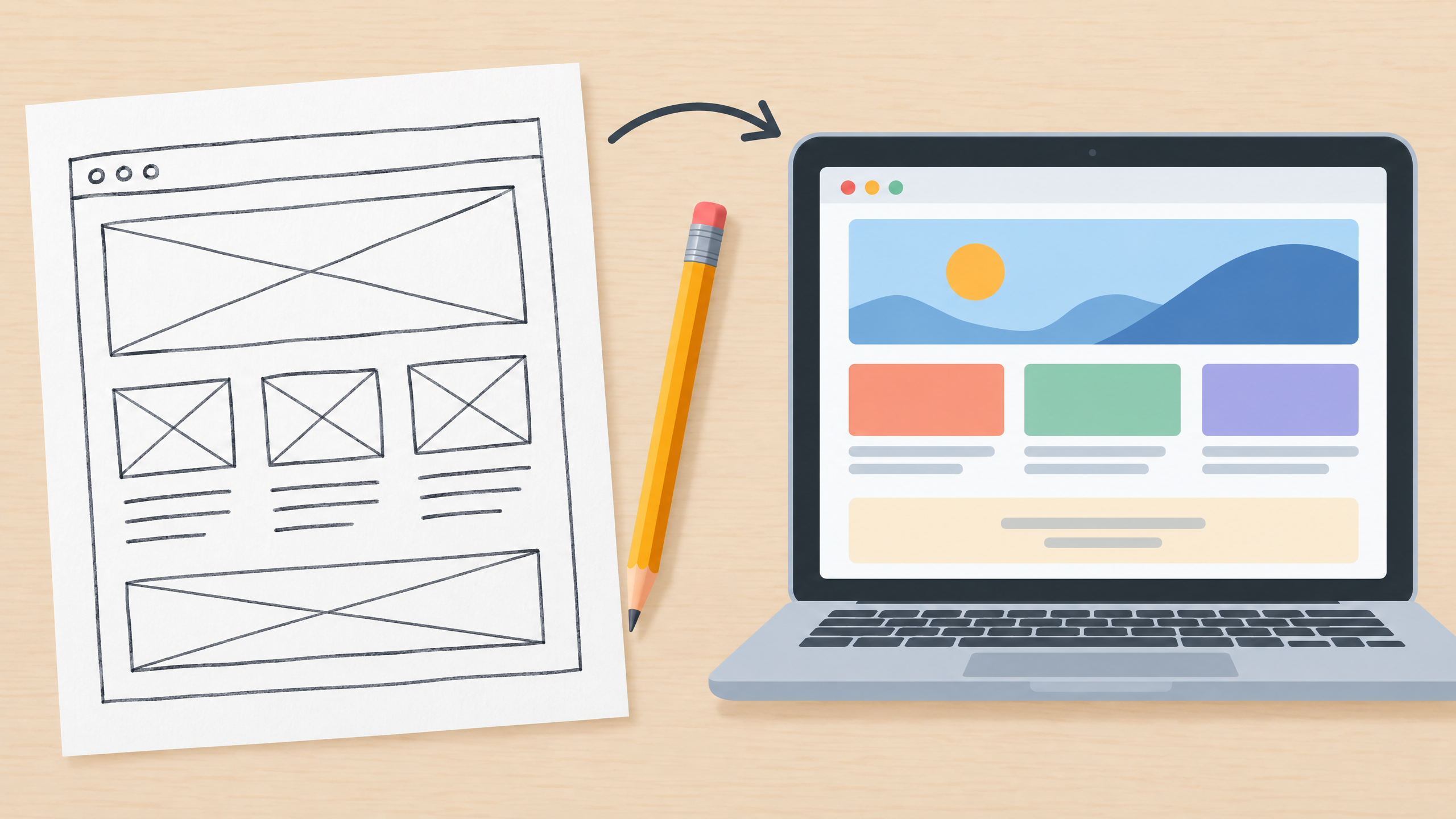
In vibe coding, you explain the goal, audience and features of a project in plain language. An AI coding assistant may then suggest or generate code, and you continue by asking for changes, such as adjusting the layout or adding a form. The exact tools and workflow vary, so check what your chosen tool can do at the time you use it.
The phrase can make the process sound effortless, but a working website still needs clear instructions and careful checks. A tool can misunderstand a request, produce code with errors or create something that looks right but does not work as expected. Treat the first version as a draft, not a finished product.
What can a beginner try first?
Choose a small project with one clear purpose. For example, a home baker in Pune might want a one-page menu and enquiry form, or a student might want a page to organise club event details. Keep the first attempt simple and avoid collecting personal information or taking payments until you understand the tools and security requirements.
Before you start, write down:
- Who the page is for: for example, local customers or classmates.
- What they should find: such as a service description, event details or contact method.
- What you want the visitor to do: read, view a menu or send an enquiry.
- What you do not want included: invented prices, fake testimonials or details you have not confirmed.
How to build a first version with AI
Step 1: Describe the goal
Use simple language to explain what the page should do. Mention the kind of visitor, the main information they need and the action you want them to take. Avoid asking for a large app with many features in your first prompt.
Step 2: Ask for one part at a time
Start with a basic page structure, then review it before asking for another change. If the layout is confusing, explain which section should move or become clearer. Small changes are easier to test than a long list of changes all at once.
Step 3: Preview and test
Open the result in the preview or environment provided by your chosen tool. Check it on a phone-sized screen as well as a wider screen if those views are available. Try every link and button, check the spelling and make sure the page says only what you intended.
Step 4: Keep a record of what changed
When something breaks after an edit, describe exactly what you changed and what happened. Save a copy of the last working version when your tool allows it. If you do not understand a change, ask the assistant to explain it before accepting it.
Try this now
Use this prompt as a starting point, replacing the brackets with your own idea:
Help me make a simple one-page website for [project or business] in [city]. The page is for [audience]. It should include [sections], use a clear and readable layout, and let visitors [one action]. Use only these confirmed details: [facts]. Do not invent prices, reviews or contact details. First describe the page structure and ask me questions about anything important that is missing. Do not add payments or collect personal information.
Review the suggested structure before asking for code. If you continue, request one small part at a time and test each change before adding more.
What vibe coding does not take care of
An AI-generated page can still contain mistakes, broken links or unsafe code. You are responsible for checking the content, the behaviour and any data the page collects. Do not put passwords, payment details, private customer records or confidential business information into an AI tool.
Be especially careful before using a site for payments, bookings or personal details. Do not publish a form that collects information until you understand where submissions go and how they are protected. Ask someone with the right technical experience to review anything important or sensitive.
Also consider who owns or can access the code and project files, and what happens if you stop using the tool. The answer depends on the product and its terms, so check the current details rather than assuming every service works the same way.
A simple beginner checklist
Before you share a vibe-coded website, check these points:
- Does the page work for its intended visitor on a phone and a computer?
- Do all the links and buttons do what their labels promise?
- Are the facts, names, prices and contact details correct?
- Does the page avoid claims, reviews or images you do not have permission to use?
- Does it collect any personal information, and if so, do you understand how it is handled?
- Can you return to a working version if a later change causes a problem?
You do not need to understand every line of code to begin learning, but you should understand what the tool changed and how to test the result. If a feature fails, describe what happened in plain words, ask for a small fix and try the same test again.
For guided practice, DIT's Vibe Coding with AI workshop focuses on building a website or app without writing code. It costs ₹99 + GST and runs live on Zoom on Tuesdays from 7 to 10 pm IST. You can also read our guide on using AI for a small business for examples of low-risk tasks to try first.
Frequently asked questions
Is vibe coding the same as no-code website building?
They are related, but the tools and amount of code involved can differ. Vibe coding usually means describing what you want to an AI assistant and iterating on the result, while some no-code builders use fixed visual controls. Check what the particular tool supports.
Can I build a website without knowing how to code?
You can use AI tools to help create a basic first version from plain-language instructions. You still need to check the content, links and behaviour, and some changes may require technical help.
Is a vibe-coded website safe to publish?
Not automatically. Test it, verify its content and be cautious with payments or personal information. Get an experienced review before using it for anything sensitive or business-critical.
Keep learning with a free class
Join the free AI 101 class to practise clear prompts with ChatGPT, Claude and Gemini, with no coding needed. Bring a small website idea and learn how to give instructions and check the result step by step.