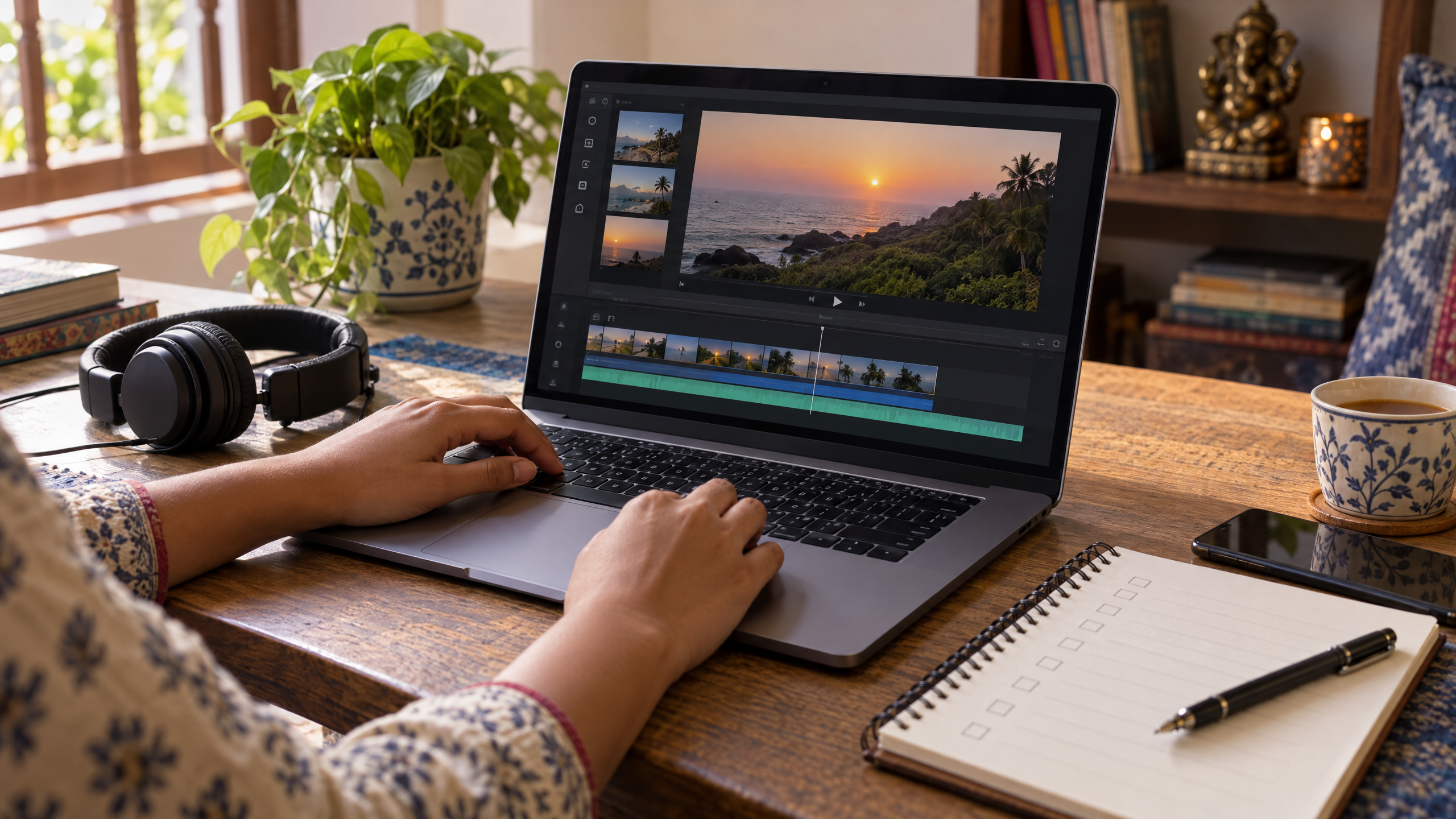
AI video tools for creators: from idea to short film
Learn how AI video tools can support a short film, from idea and script to shots, editing and final checks, with a practical beginner workflow.
DIT Team 6 min read
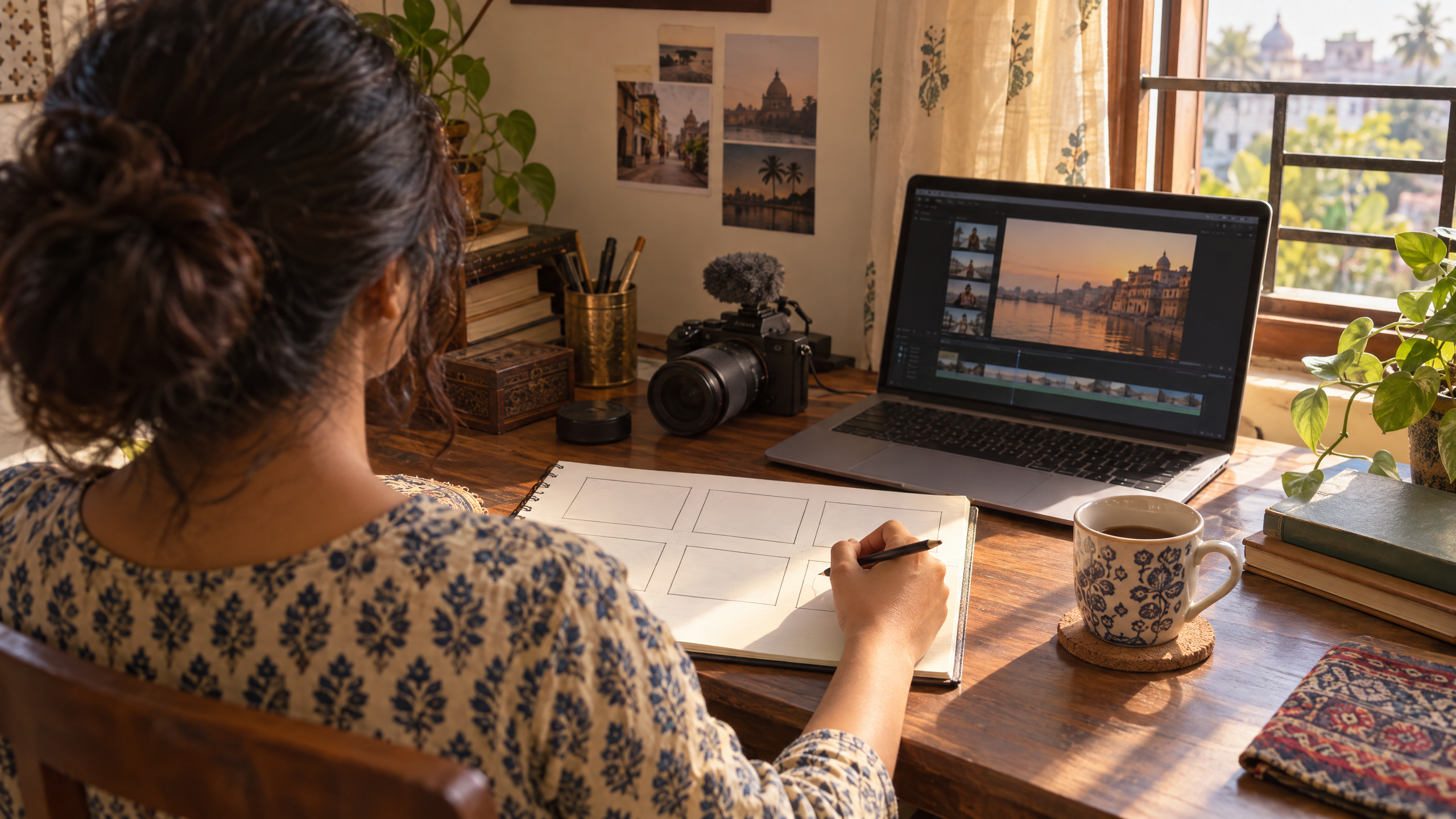
AI video tools can help a creator develop an idea into a script, plan shots and, depending on the tool, generate or edit video clips. They do not make every creative decision for you, and the results still need review for story, sound, continuity and accuracy. This beginner workflow takes you from a simple idea to a short film plan you can refine before you create or share it.
If you are new to AI, join the free AI 101 class. It covers ChatGPT, Claude and Gemini for real tasks, teaches a reusable prompt framework and explains where AI answers need checking, with no coding needed.
Start with a story, not a tool
Before opening a video generator, decide what you want the viewer to feel or understand. A short film can start with one person, one situation and one change. For example, a young shop owner in Mumbai might discover a handwritten note that changes how they see a familiar customer, or a student might tell a small story about preparing for a first day at work.
Write the idea in one sentence. If the sentence contains several plots, locations and characters, simplify it before you plan the visuals. A clear idea makes it easier to decide what shots you need and which parts AI might help with.
How AI video tools fit into a simple workflow
1. Write a short brief
Include the audience, mood, length you are aiming for, location and the main event. Keep details you know to be true separate from creative ideas. If a tool returns a story with a new fact or character, decide whether it fits before using it.
2. Turn the idea into scenes
Ask an AI assistant to split the story into a small sequence of scenes. For each scene, note what the viewer sees, what changes and how it moves the story forward. This outline is a planning aid, not a final script.
3. Plan each shot
A shot description can include the subject, action, setting, camera view and lighting. Keep descriptions focused on one visible moment. Instead of asking for an entire finished film at once, plan a series of short shots that you can review individually.
4. Create or source the visuals
Depending on the tool, you may be able to make video from text, animate an image, or edit clips you already have. Options and limits vary by product and change over time, so check the current tool description before you plan around a feature. Try one shot first and see whether the result matches your brief.
5. Edit, add sound and review
Put the chosen shots in an order that makes sense, then check whether the viewer can follow the story. Add narration, music or sound effects only when you have the rights and permissions to use them. Listen with headphones and watch the video on a phone-sized screen before sharing it.
Try this now
Use this prompt to turn a small idea into a first storyboard. Replace the brackets with your own details:
Help me plan a short film about [one-sentence idea]. The audience is [who will watch it], and the mood should feel [mood]. Suggest a sequence of six short shots. For each shot, describe only what is visible, the action, the setting and the camera view. Keep the same characters and details across shots. Do not add dialogue, facts or real people I have not specified. End with a checklist of details I should review before creating the video.
Read the proposed shots before using them. Check that each one belongs in the same story and that the character, clothing, location and time of day remain consistent. Change one detail at a time if a shot does not fit.
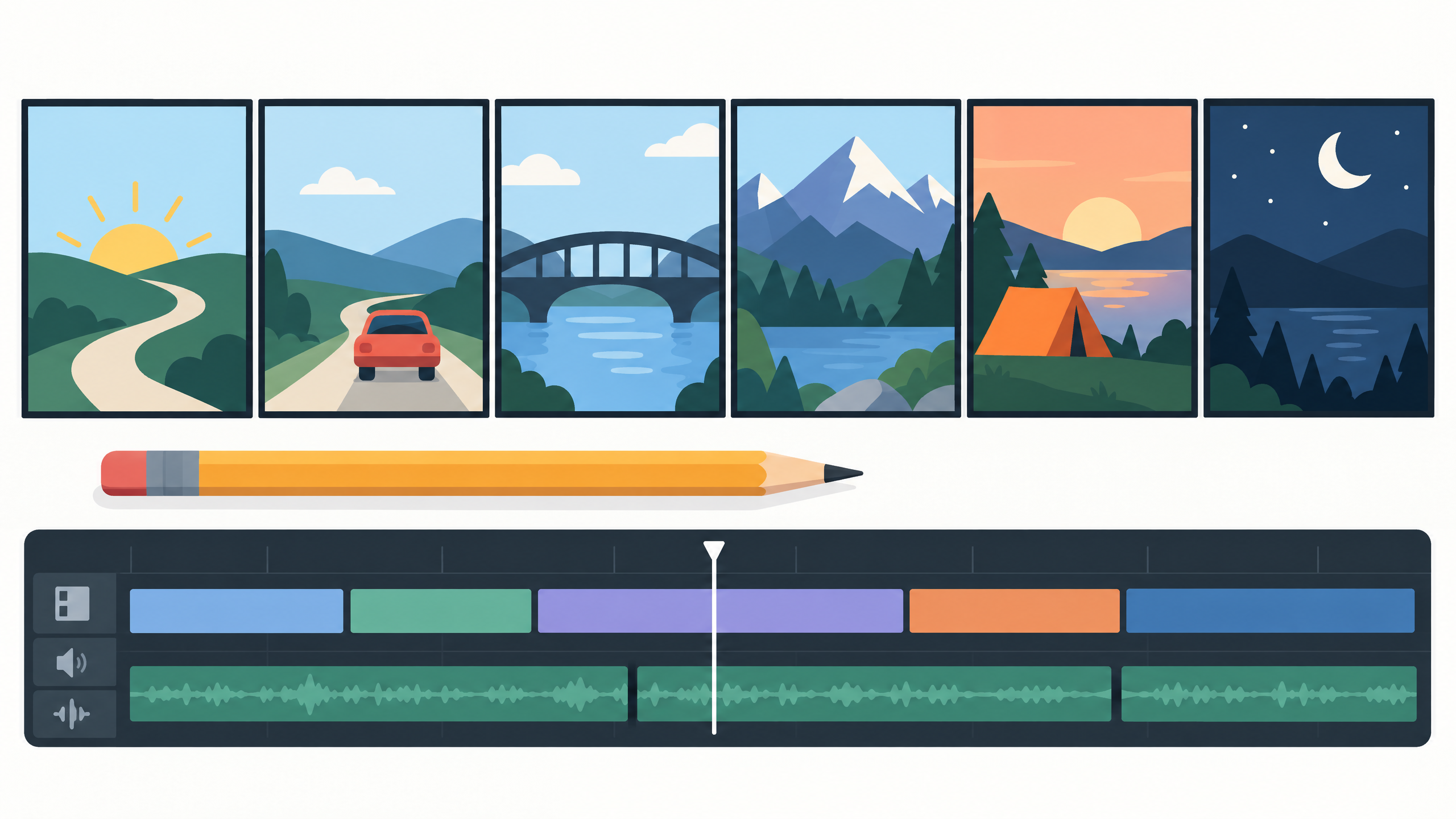
Keep a person in the creative loop
AI can suggest scenes and make visual drafts, but it may change an object between shots, miss an important detail or produce a strange movement. Review every clip and remove anything that distracts from the story. Be especially careful with signs, product labels, maps and other details viewers may interpret as facts.
Do not use a real person's face, voice or private images without permission. Avoid uploading private footage, client material or personal information unless you understand the tool's privacy settings and have permission to use the material. Check the product terms for how uploads and generated results may be used.
If the film promotes a business, check every product claim, price and offer against your records. Do not invent a testimonial or imply that a real customer said something they did not say. A short creative video can still affect how people see your work, so make a final human review part of the process.
Common beginner mistakes
- Starting with a complicated story: several locations, characters and plot changes can make it difficult to keep a short project consistent. Start small.
- Prompting for everything at once: ask for an outline, then shots, then individual clips or edits as needed.
- Accepting the first output: compare it with your brief and ask for a specific adjustment.
- Ignoring sound: check that dialogue is understandable and music does not overpower the story.
- Skipping the final watch: view the complete film from beginning to end before you share it.
Make the short film feel like yours
Choose details that reflect your point of view, such as a familiar Mumbai street, the sound of a shop opening or the colours of a local festival. Use details you can represent honestly, and do not present AI-generated scenes as real footage of an event that did not happen. If the video is for a client or a public campaign, tell the relevant people how AI was used when that matters to them.
For a practical introduction to the tools and workflow, DIT's AI Filmmaking workshop costs ₹99 + GST and runs live on Zoom on Wednesdays from 7 to 10 pm IST. You can also read how to write AI prompts for a framework you can use when describing scenes and revisions.
Frequently asked questions
Can I make a short film with AI as a beginner?
You can use AI tools to help plan a story and, depending on the product, create or edit visual material. Start with a simple idea and review the result carefully, because tools can make mistakes or produce inconsistent shots.
Do I need a camera to use AI video tools?
Not always. Some workflows use generated visuals, while others combine AI with footage you record or already have. The tools differ, so choose a workflow that fits your project and check what it supports.
Can I use an AI-generated video for a business?
Check the tool's current terms, permissions and any limits before using the result commercially. Verify product claims and get consent for real people's images or voices, and review the video before publishing.
Keep learning with a free class
Join the free AI 101 class to practise clear prompts with ChatGPT, Claude and Gemini, with no coding needed. Bring a video idea and learn how to structure instructions and check an AI-generated answer.