AI agents explained: what they are and what they can do for you
Get AI agents explained in simple terms, with examples of useful tasks, a beginner's prompt to try and a checklist for safe human oversight.
DIT Team 6 min read

AI agents are AI systems set up to work through a task in steps, sometimes using tools or services as part of the process. Unlike a basic chat that only gives you a reply, an agent may be able to take actions, depending on how it is built and what access it has. In simple terms, this is AI agents explained: a system works towards a defined goal, while a person sets limits and checks important actions.
If you are new to AI, join the free AI 101 class. It covers ChatGPT, Claude and Gemini for real tasks, teaches a reusable prompt framework and explains where AI answers need checking, with no coding needed.
AI agents explained in everyday terms
A simple chatbot usually answers a question or follows one instruction in a conversation. An AI agent is designed to move towards a goal by handling a series of steps. For example, with the right tools and permissions, an agent might gather information, organise it and prepare a draft for a person to review.
The word "agent" does not mean the system can do anything by itself. Its abilities depend on the software, the services it can access and the permissions a person gives it. Some tools described as agents may only plan or draft, while others can perform specific actions when connected and authorised.
How an AI agent works
A typical agent workflow has a few parts:
- Goal: a person describes the result they want.
- Plan: the system breaks the request into smaller steps.
- Tools: if configured, it may use approved tools or information sources to complete a step.
- Review: it checks whether the result meets the instructions or whether it needs more information.
- Handover: it presents a result or requests human approval before an important action.
Not every agent follows exactly this sequence, and some need a person to guide each step. A system can also make the wrong plan or misunderstand the goal, so keep the task small enough for you to inspect.
What can AI agents do for you?
At the time of writing, agent features vary widely between products and change often. Depending on the setup, an agent may help with a workflow such as sorting non-sensitive notes into a checklist, gathering information from approved sources, or preparing a draft response for a team member. These are examples of possible uses, not a promise that every tool can do them.
For an Indian small business, a sensible first experiment might be asking an agent to organise a list of public product questions and draft answers for review. A student might ask it to break a revision goal into a study plan and practice questions. In both cases, a person should check the result before using it.
Good first tasks share a few qualities: they are repeated, have clear steps, use information you are allowed to share, and are easy for a person to review. Avoid beginning with payments, refunds, private customer data or other tasks where a mistake could cause harm.
Try this now: ask for a plan, not an action
Start by asking an AI assistant to plan a safe workflow without connecting it to your accounts. Copy this prompt and replace the brackets:
Help me plan a workflow for [repeated task] in my [work, study or home setting]. List the steps you would take, the information needed at each step and what a person must check. Do not access accounts, send messages, make purchases, change records or share data. If the task needs private information or an important decision, explain why a person should handle it.
Read the plan and remove steps that need information or permissions you cannot provide. If you later test the task in an agent tool, use only approved access and ask for a human review before it sends, changes or submits anything.
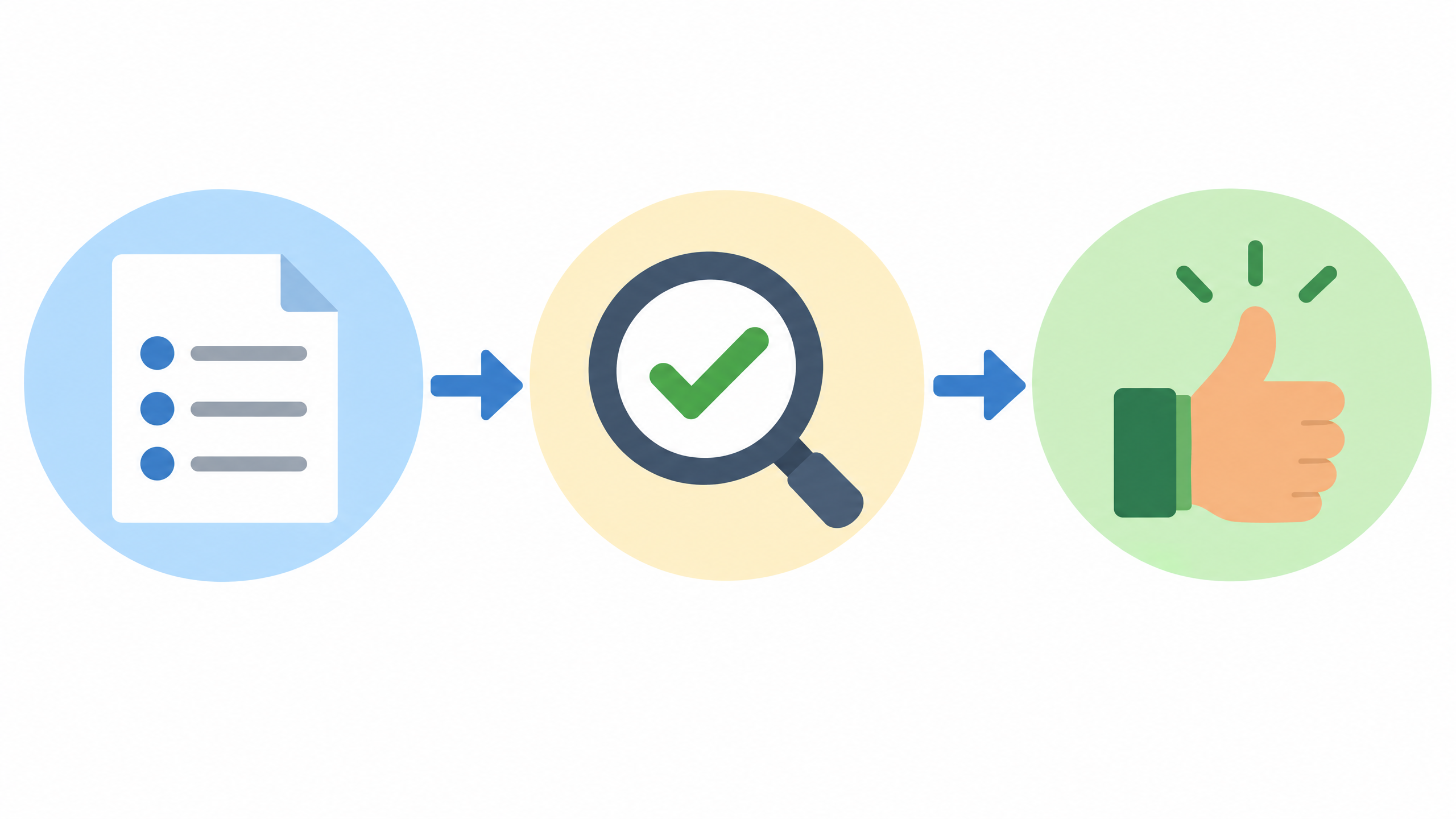
Keep people in control
An agent can produce an incorrect answer, take an action based on incomplete information or misunderstand a request. Before you use one, find out what it can access, what it can change and how to stop it. Begin with read-only or draft-only work where possible, then review the result yourself.
Never paste passwords, bank details, personal ID numbers, confidential documents or private customer information into a tool unless you have permission and understand its privacy and data settings. Limit an agent's access to what the task needs. Keep an approval step for messages to customers, financial actions, bookings, edits to important records or anything difficult to undo.
Keep a record of what you asked the agent to do and what it returned. Check important facts against trusted sources, and test a workflow on a harmless example before using it in real work. If you cannot explain what an agent will do or how to stop it, do not connect it to important accounts yet.
Chatbot, automation or AI agent?
A chatbot mainly responds to messages. A fixed automation follows rules you set in advance, such as moving a file when a condition is met. An AI agent may use AI to interpret a goal and decide which steps to try, within its configured tools and limits.
These categories can overlap. A chatbot may have tool access, and an agent may include fixed rules. Rather than relying on a product label, ask what the system can do, what permissions it needs and whether you can review each action.
When should you try an agent?
First, see whether a clear prompt to a regular assistant is enough. If a task needs several repeat steps, write those steps down and decide which ones can safely be prepared by a tool and which need a person. Then test a small example with no sensitive data.
DIT's Agentic AI workshop is a specialist session on building AI agents that do work for you. It costs ₹99 + GST and runs live on Zoom on Fridays from 7 to 10 pm IST. For fundamentals first, see our guide to using AI for a small business, and join the free AI 101 class to practise the basics.
Frequently asked questions
Are AI agents the same as chatbots?
Not always. A chatbot usually responds in conversation, while an agent may be set up to work through a goal in several steps and possibly use approved tools. The actual abilities depend on the product and its permissions.
Do AI agents work without human supervision?
Some can perform steps automatically when they have been configured to do so, but that does not mean their work is always correct or safe. Keep a person in the loop for important decisions and actions, and understand how to pause or stop the process.
Do I need coding skills to learn about AI agents?
No coding is needed to understand the basic ideas or to practise planning a workflow with plain-language prompts. Building or connecting a more advanced agent may require technical work, depending on the tools you choose.
Keep learning with a free class
Join the free AI 101 class to learn how to use AI tools and check their answers, with no coding needed. Bring one repeated task and learn how to plan a safe workflow before giving any tool access or permissions.