How to create a customer FAQ with AI safely
Use AI to draft a customer FAQ from approved information, spot missing answers, protect private details and verify every reply before publishing.
DIT Team 6 min read

To create a customer FAQ with AI, start from information your organisation has approved, then ask the assistant to turn it into clear questions and short draft answers. Check each answer against its source, flag anything the source does not explain and have a responsible person approve the FAQ before customers see it.
If you are new to AI, join the free AI 101 class. It covers ChatGPT, Claude and Gemini for real tasks, teaches a reusable prompt framework and shows where AI answers need checking, with no coding needed.
Gather the approved information first
A helpful FAQ answers common questions accurately, not just smoothly. Before drafting, collect the current information the business is allowed to share, such as approved product details, service descriptions, published policies and instructions for contacting support. Confirm who owns each source and whether it is still valid.
Do not ask AI to guess a delivery promise, refund rule, price, warranty, eligibility condition or service commitment. If the source does not answer a question, mark it for the right person to resolve. A plausible answer can create confusion or set an expectation the business never approved.
Remove private customer details and confidential information before using an AI tool, unless you have permission and have checked its current privacy settings. A general description of the issue is often enough to help draft a question without including a customer's identity or account details.
Choose the questions your customers need answered
Start with questions customers already ask through approved support channels, public reviews or feedback that you are permitted to use. Remove names and personal details, then group questions that ask about the same subject. Do not assume that one customer's experience represents every customer.
You can also ask staff to list questions they hear repeatedly. Keep the wording close to how a customer might ask it, while removing anything sensitive. A useful first FAQ is focused: it should help someone find an answer quickly instead of covering every possible situation.
How to create a customer FAQ with AI step by step
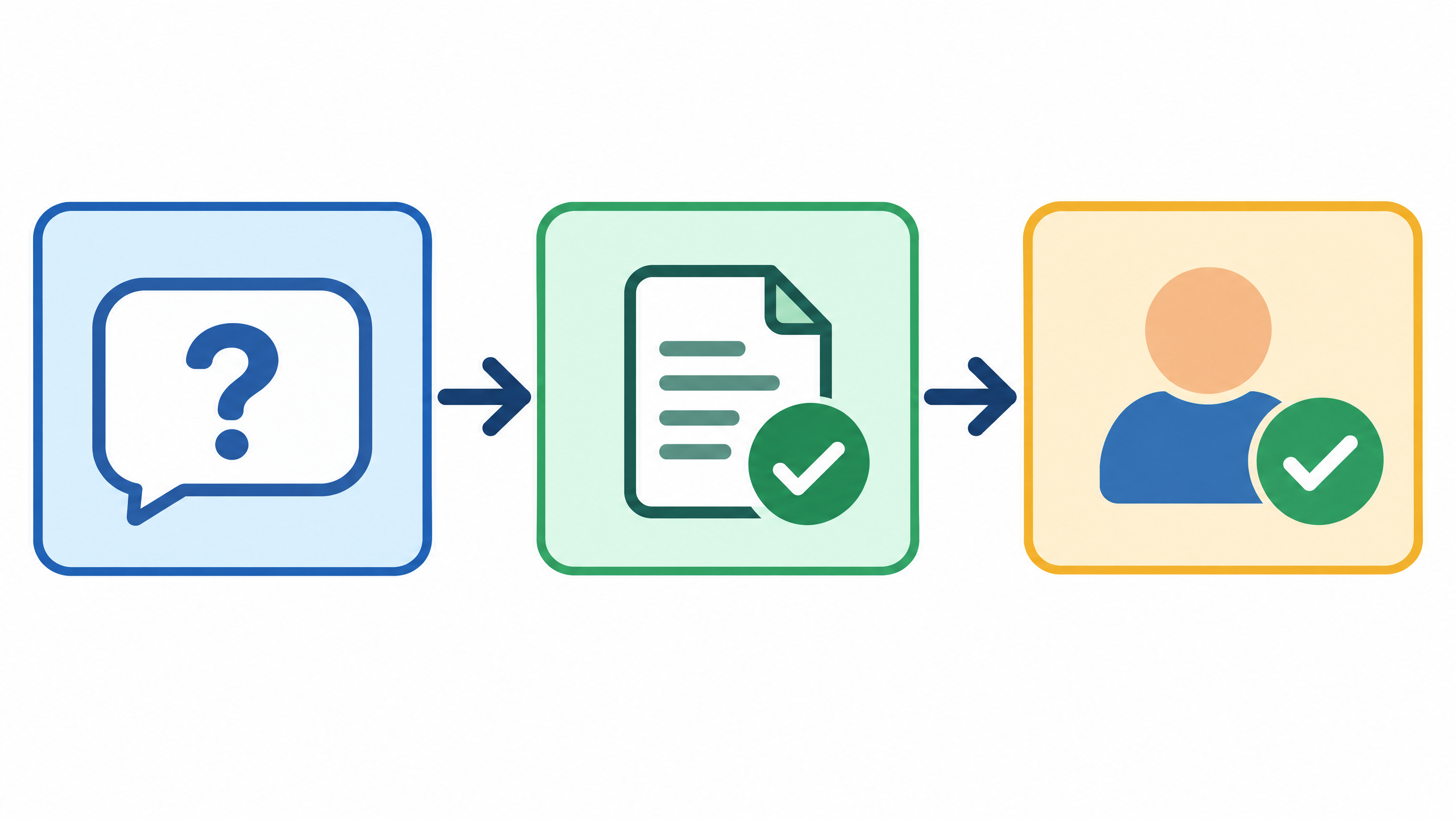
1. Make a source pack
Put the approved information into a short, organised set of notes. Label each source clearly and include the date or version if that matters for your process. Do not combine old and current policies without marking which one is valid.
2. Ask for questions before answers
Share a small set of anonymised customer questions and ask the AI to group similar ones and suggest clear headings. Review the grouping yourself. If two questions sound alike but have different conditions, keep them separate so the answer does not blur an important distinction.
3. Draft answers using only the source pack
Ask for short answers based only on your approved notes. Tell the assistant to identify which source supports each answer and to write “not covered in the source” when information is missing. Treat its citations or source references as pointers to check, not as proof.
4. Compare every answer with the original
Open the source and confirm that it supports the exact wording. Check numbers, dates, conditions, exclusions and contact routes. If the draft changes a cautious statement into a promise, correct it. If the source is unclear, send the question to the person responsible for that policy.
5. Edit for clarity and tone
Use plain language and one main idea per answer. Replace internal jargon with words customers understand, but preserve the precise meaning of the approved information. Avoid a tone that sounds dismissive, overly certain or more formal than the business intends.
6. Get approval and plan updates
Ask the person who owns the information to review the final questions and answers. Give the FAQ a clear owner and a way to update it when the underlying product, process or policy changes. Remove or revise answers that are no longer supported by current sources.
Try this now: draft a source-based answer
Use this prompt with non-sensitive, approved information:
Help me create a draft customer FAQ using only the approved notes below. First group these anonymised questions into clear topics. Then draft a short answer for each question and name the note that supports it. Do not invent prices, timelines, rules, promises or exceptions. If the notes do not answer a question, write “needs review” and list what information the owner should confirm. Keep the meaning unchanged and use plain, helpful language. Questions: [paste anonymised questions]. Approved notes: [paste information you are allowed to share].
Review the output question by question. Check the source, edit the answer in the business's voice and get approval before publishing. Never leave “needs review”, a placeholder or an unsupported answer in the public FAQ.
Make the FAQ easy to use
Put the most useful questions near the top and group related topics under simple headings. Keep answers short enough to scan, but include any important condition the customer needs to understand. If the full explanation is long, direct the reader to an approved policy or support contact rather than deleting a key qualification.
Think about what should happen when the FAQ cannot answer a question. Provide a clear next step using a contact route the organisation has approved. Do not let an AI-generated answer claim that a person will reply within a certain time unless that commitment is confirmed in the source.
For a broader look at AI uses for small businesses, read AI for small business in India. A FAQ can support a service process, but it should not replace a person when an issue needs judgement or access to a customer's specific account.
Check privacy, accuracy and responsibility
Before sharing information with an AI service, consider whether it contains personal data, private messages or internal details. Use the minimum information needed, follow your organisation's rules and check the tool's current privacy settings. Do not paste a customer's conversation or account details unless you are allowed to do so.
A human owner remains responsible for the published answer. AI can help organise and draft, but it cannot approve a business policy or guarantee that a response is appropriate for every situation. Keep a review process and make it easy for staff to flag an answer that looks wrong or out of date.
For guided practice using Claude for everyday writing and research tasks, DIT's Master Claude workshop costs ₹99 + GST and runs live on Zoom on Mondays from 7 to 10 pm IST. Use a small set of approved notes and keep a person responsible for every answer that goes live.
Frequently asked questions
Can AI write a customer FAQ on its own?
AI can help group questions and draft answers from approved information, but a person should verify the source and approve every answer. Do not publish text that relies on an assumption or an unsupported promise.
What if the approved notes do not answer a customer question?
Mark it for review and ask the person responsible for that information to confirm the answer. Do not let the AI fill the gap with a guess.
Should I use real customer messages to make an FAQ?
Use only material you are allowed to use, and remove names and identifying details where possible. Check your organisation's rules and the AI service's current privacy settings before sharing any customer information.
Keep learning with a free class
Join the free AI 101 class to practise clear prompts with ChatGPT, Claude and Gemini, with no coding needed. Bring a non-sensitive writing task and learn how to check an AI draft against its source before using it.