How to automate repetitive tasks with AI safely
Learn how to automate repetitive tasks with AI by choosing a low-risk workflow, testing outputs, protecting data and keeping human approval in control.
DIT Team 6 min read

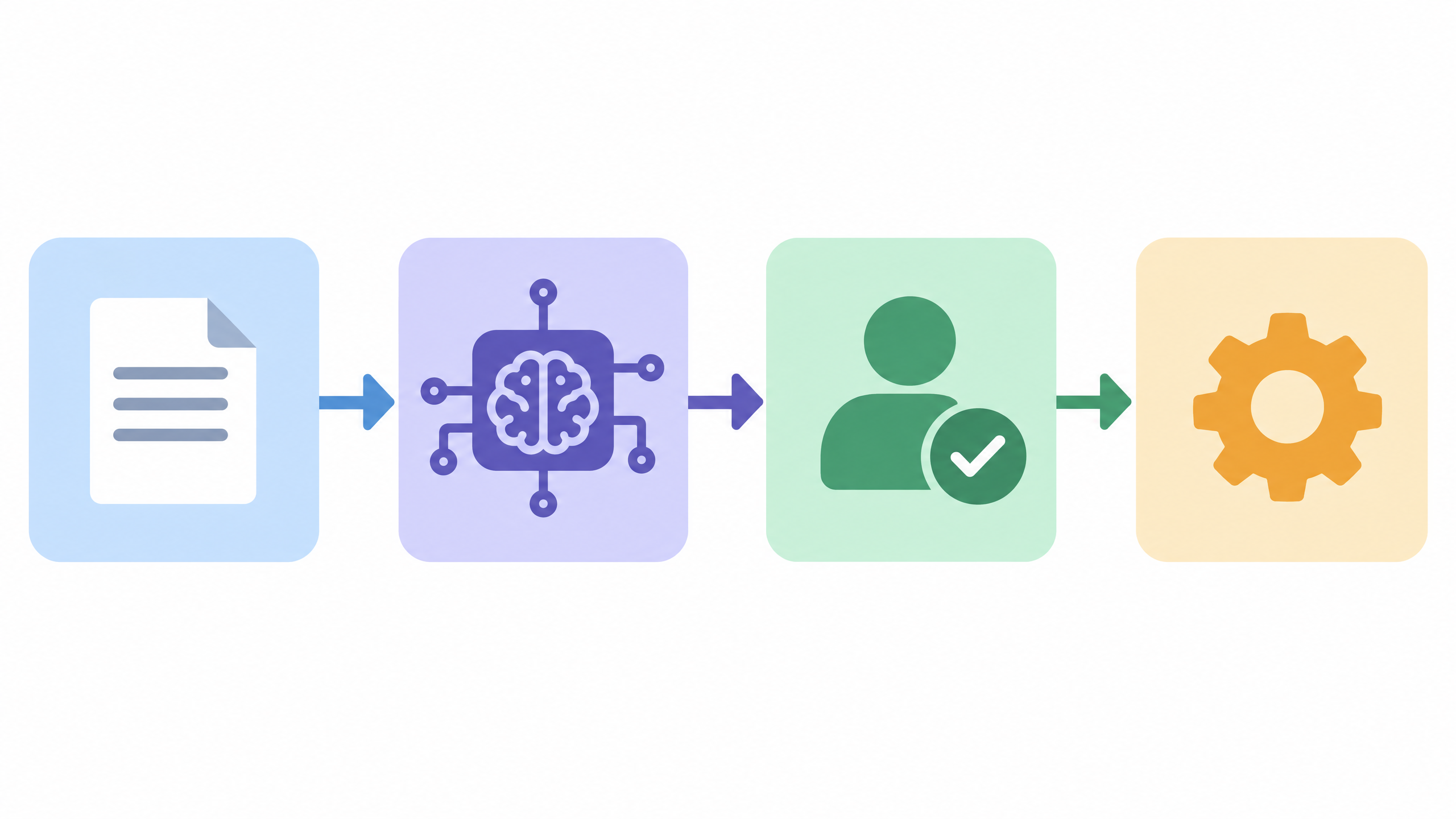
To automate repetitive tasks with AI safely, pick a predictable, low-risk task, map how it works today and test the AI on examples before connecting it to real work. Keep a person in control of decisions and actions, especially when errors could affect money, customers, private information or important records.
If you are new to AI, join the free AI 101 class. It covers ChatGPT, Claude and Gemini for real tasks, teaches a reusable prompt framework and shows where AI answers need checking, with no coding needed.
What makes a task suitable for AI automation?
A good first task happens repeatedly, has a clear input and output, and is easy for a person to review. For example, an assistant might help sort non-sensitive feedback into categories or draft a first version of a routine update. These are examples to consider, not promises that every tool can connect to every app or perform every step.
AI is most useful when a task includes information that is messy or written in different ways. If the work is simply copying a fixed value from one field to another, an ordinary rule or checklist may be easier to control. Choose the simplest method that solves the problem.
Avoid starting with a workflow that sends messages, approves requests, changes records, makes payments or decides something important without review. If a mistake would be hard to undo, keep the process manual or add a person’s approval before the action.
Map the task before automating it
Write down the workflow exactly as it happens now. A useful map includes:
- Trigger: what starts the task, such as receiving a request or finishing a form.
- Input: what information the task needs and where it comes from.
- Steps: what a person does, in order, including checks and decisions.
- Output: what should be produced, saved or sent.
- Exceptions: what happens when information is missing, unclear or unusual.
- Approval: who confirms the result before it affects another person or system.
This exercise often reveals that the process itself needs simplifying before any AI is added. If two people do the task differently, agree on the intended steps first. Otherwise the system may reproduce confusion faster rather than improve the workflow.
How to automate repetitive tasks with AI step by step
1. Choose one small, low-risk task
Pick a single task with a clear finish point. Do not try to automate an entire department or a long chain of decisions on the first attempt. Choose something where a person can compare the result with a known example and correct it easily.
2. Define what the AI may and may not do
State the allowed input, expected output and limits. For instance, the AI may draft a reply from approved information, but it must not invent a policy, promise an outcome or send the reply. Ask it to flag missing information instead of guessing.
3. Prepare safe examples
Use sample or anonymised material where possible. Remove names, contact details, account information and confidential content unless you have permission to share it and understand the tool's current privacy settings. Keep a copy of the original task so you can compare the AI-assisted result with the manual process.
4. Test before connecting real actions
Run a few representative examples, including one with missing or unusual information. Check whether the output follows your instructions, preserves key details and clearly marks uncertainty. A fluent result is not automatically correct, so verify important facts and numbers yourself.
5. Add a human review step
At first, treat every AI result as a draft. A person should approve it before it is sent, published, used to update a record or relied on for a decision. Keep that review in place until you have a clear reason to change it, and do not remove oversight just because a few examples worked.
6. Keep a stop and fallback option
Decide what should happen when the tool is unavailable, returns an unclear answer or encounters an exception. Make it easy to pause the workflow and return to the manual process. Tell the people who use it how to report an error and who is responsible for checking the system.
Try this now: design a safe pilot
Use this prompt to plan one task. Do not paste private or confidential information into the tool:
Help me plan a small, low-risk AI-assisted workflow for [repetitive task]. The current steps are [describe them without personal or confidential data]. The input is [type of information], and the expected output is [result]. Do not invent facts or take actions. List what the AI could draft or organise, what a person must check, possible exceptions, information that should not be shared, and a simple way to test the workflow on sample cases. If the task is not suitable for AI, explain why and suggest a simpler alternative.
Review the plan with the person who currently does the task. Start with a test that does not send messages or change live records, and compare the result with how you would do the work manually.
Protect people, data and quality
Automation can affect more than the person setting it up. Think about whose information is in the input, who will see the output and what could go wrong if a result is incomplete or inaccurate. Use the minimum information needed, follow your organisation's rules and avoid putting private data into a tool without permission.
Check the workflow whenever the task, source information or AI service changes. Keep simple notes about errors and corrections so you can see whether the process remains useful. If the task is high impact or requires professional judgement, AI may assist with drafting or organising information, but a qualified person should make the decision.
For a plain-language introduction to systems that can carry out multi-step tasks, read AI agents explained. A useful rule is to let AI prepare options, while people approve consequential actions.
For guided practice with AI agents, DIT's Agentic AI workshop costs ₹99 + GST and runs live on Zoom on Fridays from 7 to 10 pm IST. Start with one workflow, a clear stop condition and a person responsible for reviewing each result.
Frequently asked questions
Should I automate a task that involves customer data?
Only if you have permission, follow your organisation's rules and understand the AI service's current privacy settings. Begin with anonymised examples and keep a person responsible for reviewing outputs.
Can an AI workflow run without human approval?
For a first pilot, keep human approval before anything is sent, published, paid or recorded. Do not remove review from actions that could be harmful or difficult to reverse.
What if the AI makes a mistake?
Pause the workflow, correct the result manually and record what failed so the instructions or process can be improved. Keep a fallback to the original manual method and check future outputs before they are used.
Keep learning with a free class
Join the free AI 101 class to practise clear prompts with ChatGPT, Claude and Gemini, with no coding needed. Bring a non-sensitive task and learn how to check an AI result before using it in a workflow.