How to improve your CV with AI, honestly
Use AI to make your CV clearer and more relevant while keeping every achievement accurate, protecting personal details and checking the final draft.
DIT Team 6 min read

To improve your CV with AI, start with your real experience and a specific role, then ask for help organising and clarifying the information. Check every suggested phrase against what you actually did, remove anything invented and review the final document yourself before you share it.
If you are new to AI, join the free AI 101 class. It covers ChatGPT, Claude and Gemini for real tasks, teaches a reusable prompt framework and shows where AI answers need checking, with no coding needed.
Use AI as an editor, not a source of experience
An AI assistant can help you make a sentence clearer, organise rough notes or compare your CV with the skills named in a role description. It can also suggest where a section may be hard to follow. It cannot know what you have done unless you provide the facts, and it may add details that sound polished but are not true.
Your CV represents your experience. Do not ask an assistant to invent a job title, qualification, project, responsibility, result or number. If a suggestion goes beyond what you can explain honestly in an interview, remove it or rewrite it in your own words.
Start with your own source notes
Before asking for edits, gather accurate details about your work, education, volunteering or projects. Include what you were responsible for, what you actually did and what you learned. If you are early in your career, coursework, personal projects and community work may help show relevant skills, as long as you describe them truthfully.
For each experience, make a short fact list:
- The organisation, project or activity, using the correct name if you choose to include it.
- Your role and the period when you did the work, if you are sure of the details.
- The tasks you personally handled.
- Tools, methods or skills you used and can discuss.
- A result or lesson that you can support with an example.
If you do not know a precise figure, do not guess. Describe the outcome in plain language or leave the number out. Make it clear when a result came from a team rather than claiming it as your individual work.
How to improve your CV with AI step by step
1. Choose a role to focus on
Read the job description or application instructions and note the skills, responsibilities and experience it asks for. Use the specific version you are applying to, rather than trying to make one CV cover every kind of role. Follow any instructions from the employer about format or information to include.
2. Share only what is needed
Give the AI a non-sensitive summary of the role and the relevant facts from your own experience. A CV contains personal information, so check the tool's current privacy settings and your own rules before sharing it. You can replace your name, phone number, email address and employer details with labels while working on wording.
3. Ask for clearer language
Request a concise, plain-language edit that keeps the meaning and facts unchanged. Ask the assistant to point out vague phrases or repeated details, but not to add achievements or numbers. Review each edit rather than accepting a full rewrite automatically.
4. Match real experience to role requirements
You can ask the tool to organise your genuine experience under the skills mentioned in the job description. If it suggests a skill you have not used, do not include it as a capability. If you have related experience but are still learning, describe it accurately and be ready to explain the difference.
5. Check every line and restore your voice
Compare the edited version with your source notes. Check names, dates, qualifications, tools and results, and make sure each sentence still describes your own contribution. Replace generic phrases with words you would naturally use and remove any claim you cannot support.
6. Review the final file yourself
Read the whole CV from the beginning. Check headings, spelling, contact details, page layout and any application-specific requirements. Make sure the version you send is the final copy and that no comments, placeholders or private notes remain.
Try this now: improve one bullet honestly
Choose one real task from your experience and copy this prompt. Do not include private or confidential details unless you are allowed to share them:
Help me improve this CV bullet for a [role]. Keep the facts and my contribution exactly as stated. Do not invent numbers, skills, results, responsibilities or qualifications. Make the wording clear and concise in plain English. If a detail is vague, ask me a question instead of guessing. Original bullet: [paste a non-sensitive bullet]. Here is what I actually did: [brief facts I can support]. Give me two options and explain what changed.
Compare both versions with your own facts. Keep only wording you can stand behind, and change any phrase that overstates your role or makes the result sound bigger than it was.
Tailor a CV without copying a job description
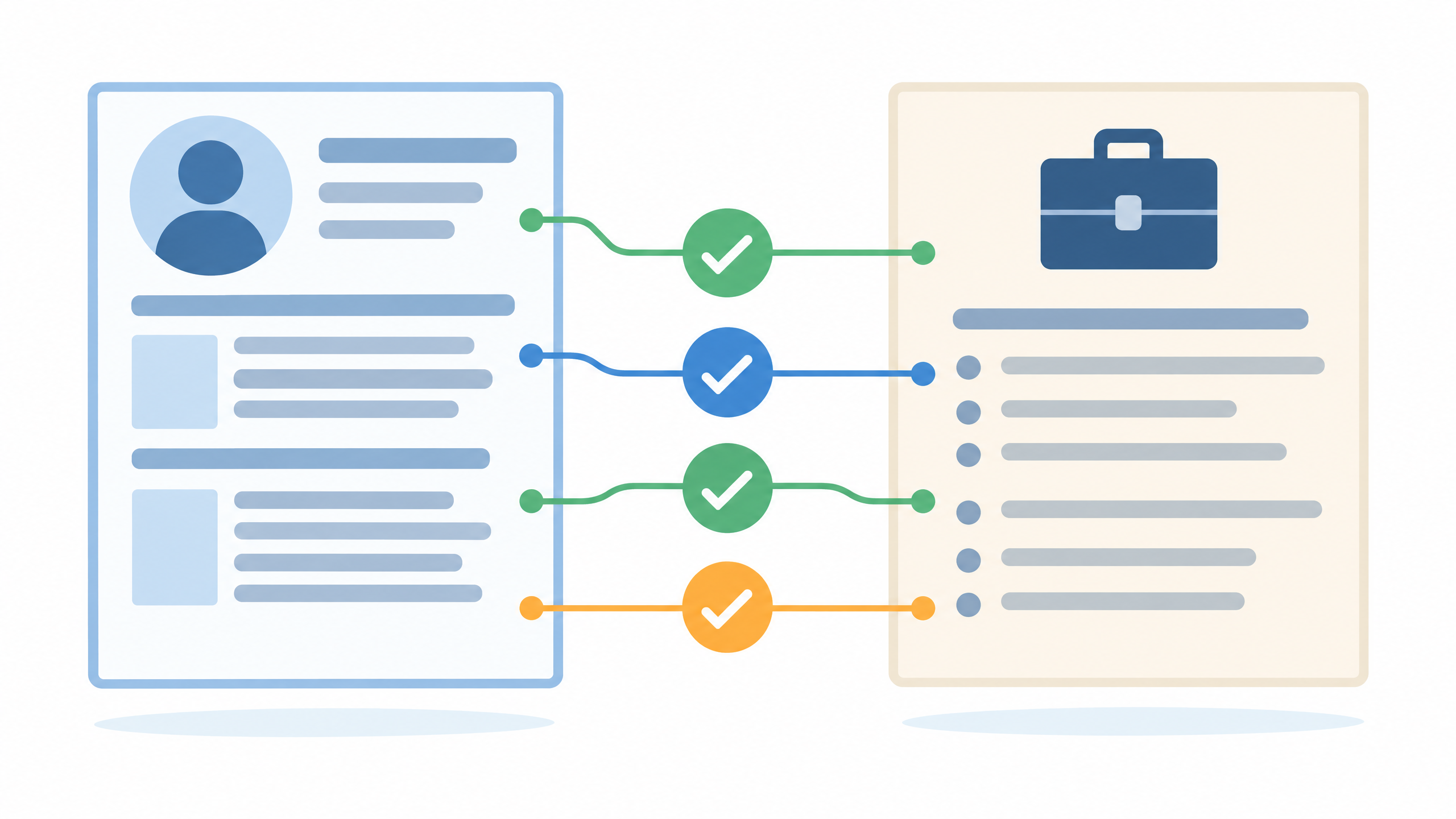
A role-specific CV should make relevant experience easier to notice, but it should not repeat a list of employer keywords without evidence. Ask the AI to show which real examples connect to the stated requirements and which requirements are not covered by your notes. That can help you spot a genuine gap without pretending it does not exist.
Use the employer's instructions as the guide for what to send. Do not assume that an AI-generated layout or wording will meet every application rule. If you are unsure about a requirement, check it with the organisation rather than relying on a guess from the tool.
Protect your information and avoid over-polishing
Do not upload identity numbers, home address, private references or confidential work material unless you have permission and understand the service's current privacy terms. Often you can get wording help with a short, edited excerpt that leaves out identifying details. Remove placeholders before sending the final CV.
AI can make writing sound formal or generic. A CV should be easy to understand and specific to your real work, not filled with impressive-sounding phrases. If you cannot explain a sentence in your own words, simplify it or remove it.
For a reusable structure for giving an assistant clear tasks and limits, read how to write AI prompts. For guided practice using Claude on everyday tasks, DIT's Master Claude workshop costs ₹99 + GST and runs live on Zoom on Mondays from 7 to 10 pm IST.
Frequently asked questions
Can AI write my whole CV?
It can help organise and edit information you provide, but you must supply accurate facts and review every line. Do not use text that adds experience or achievements you cannot support.
Should I paste my full CV into an AI tool?
Only if you are allowed to share it and have checked the service's current privacy settings and terms. A safer first step is to remove identifying details and share only the section you want help with.
Can AI make my CV fit a job description?
It can help you connect real experience to the requirements and identify areas that are not covered by your notes. It should not add skills or experience you do not have, and you should follow the employer's application instructions.
Keep learning with a free class
Join the free AI 101 class to practise clear prompts with ChatGPT, Claude and Gemini, with no coding needed. Bring a non-sensitive writing task and learn how to refine an AI edit and check it before you use it.