How to fact-check AI answers before using them
Learn how to fact-check AI answers by checking claims against reliable sources, confirming context and spotting gaps before you rely on the result.
DIT Team 7 min read
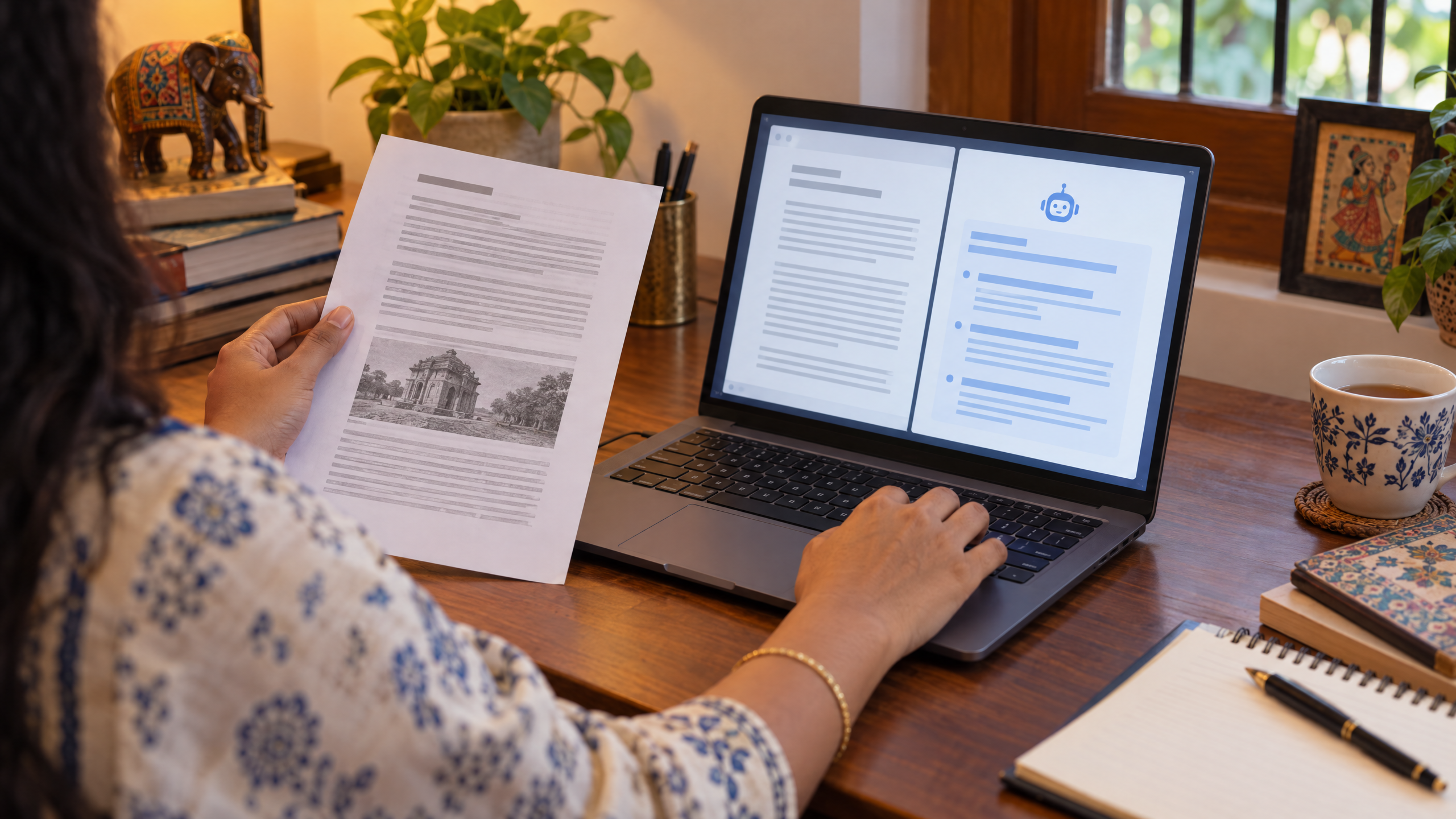
To fact-check AI answers, break the reply into individual claims, decide which ones matter and compare them with reliable sources. Ask an AI assistant for source suggestions if useful, but open those sources yourself and confirm that they support the exact claim before you rely on it.
If you are new to AI, join the free AI 101 class. It covers ChatGPT, Claude and Gemini for real tasks, teaches a reusable prompt framework and shows where AI answers need checking, with no coding needed.
Why AI answers need checking
An AI assistant can produce a clear, confident sentence that still leaves out context or gets a detail wrong. It may mix up similar names, dates or concepts, or present a guess as if it were established. The writing can sound convincing, so tone alone is not evidence that a statement is true.
Not every response needs the same level of checking. A list of ideas for a birthday card is low stakes. A current fee, safety instruction, eligibility rule, medical detail or contract term deserves careful checking against an authoritative source before you act on it.
Separate claims from explanations
Start by splitting a response into statements that can be checked. For example, a paragraph might include a definition, a number, a date and a recommendation. Verify each factual statement separately, rather than deciding that the whole answer is accurate because one part matches what you expected.
Mark the claims that could change your decision. Pay special attention to names, dates, prices, quantities, rules, quotes and causal explanations. A general explanation may be useful as a starting point, while the exact detail still needs a source.
A step-by-step method to fact-check AI answers
1. Ask what would count as evidence
Before searching, write down the exact question you need answered. Decide what kind of source could confirm it, such as an official policy page, an original report, a product manual or a document from the organisation responsible for the information.
2. Look for the original source
Prefer a source that directly owns or records the information, rather than a page that merely repeats someone else's summary. For a current rule or price, check the organisation's own current page. For a claim about a document, return to the document itself.
3. Open the source and read the relevant part
Do not rely on a search snippet, a link title or a citation generated by an AI. Open the page, confirm who published it and inspect the passage that relates to the claim. Check the surrounding wording too, because conditions and exceptions may change the meaning.
4. Match the source to the exact claim
A source can be real but still fail to support the sentence you are checking. Compare the wording, timeframe, location and scope. If the AI says a rule applies everywhere, but the source covers only one place, the claim needs to be narrowed or rejected.
5. Record what remains uncertain
If sources disagree, are old or do not answer the exact question, do not force a conclusion. Note what you could confirm, what remains unclear and what source or person could resolve it. For a consequential decision, pause until you have a trustworthy answer.
Try this now: check one claim
Choose a factual sentence from an AI response that matters to you, then use this prompt to organise the check:
Help me fact-check this claim: [paste one claim]. Do not tell me it is true unless the evidence supports it. Break it into smaller claims if needed. Suggest what kind of original or authoritative source would verify each part, and what details I should compare, such as date, location, definition or conditions. If you cannot verify something from the material I provide, say what is still unknown. Here is the source material I have checked: [paste a short, non-sensitive excerpt or source details].
The assistant can help structure your checking, but it is not the final source of truth. Open the cited material yourself and make sure it is genuine, current enough for your question and relevant to the exact claim.
Check time, place and context
Facts that change over time need a date. A price, schedule, eligibility requirement or software feature may be different from what an older page says. Look for when the source was published or updated, and check whether the answer refers to the same time period you need.
Context matters as well. Rules can differ by country, state, organisation or situation. If a response gives a broad answer, ask what conditions apply and verify those details in the source. Do not assume that a result from another location or an earlier year applies to your case.
For numbers, look at how they were calculated and what is included. A percentage without a base, a total without a time period or a comparison without a definition may be misleading even when the arithmetic is correct. Recalculate important figures yourself or ask someone qualified to review them.
Do not treat AI citations as proof
An assistant may suggest source titles or links, but you still need to check that the page exists and says what the answer claims. A link can be unrelated, incomplete or out of date. If no suitable source is available, say that the claim is unverified rather than repeating it as fact.
Asking two AI tools the same question is not the same as checking two independent sources. Different answers can help you notice uncertainty, but you still need evidence outside the generated responses. For a simple framework for giving an assistant clear tasks and limits, read how to write AI prompts.
When to get extra help
For medical, legal, financial, safety or other high-impact questions, do not make a decision from an AI answer alone. Check an appropriate official source and consult a qualified person when the decision requires it. If the answer could affect someone's wellbeing, rights or money, take the time to verify it carefully.
At work or in study, also respect confidentiality. Do not paste private documents or personal details into a tool unless you are allowed to share them and understand the tool's current privacy settings. You can ask the AI to explain what information it needs, then provide a short, non-sensitive summary where possible.
A short verification checklist
Before using an AI-generated fact, ask:
- What exact claim am I relying on?
- Is there an original or authoritative source for it?
- Does the source support the wording, timeframe and location?
- Have I checked the full context and any exceptions?
- Is the information current enough for this decision?
- What remains uncertain, and do I need an expert to confirm it?
If you cannot answer these questions, treat the statement as a draft, not a fact. A cautious answer is more useful than a polished sentence that hides an important gap.
For guided practice using Claude for everyday tasks, DIT's Master Claude workshop costs ₹99 + GST and runs live on Zoom on Mondays from 7 to 10 pm IST. Use the verification steps here with any AI tool, and keep your own judgement in control.
Frequently asked questions
Can I trust an AI answer if it includes links?
Not automatically. Open each link, confirm that the source is genuine and check whether it supports the exact statement and context.
Should I ask another AI tool to confirm the answer?
You can use another assistant to spot disagreements or questions to investigate, but that is not independent evidence. Verify important claims against suitable sources outside the AI responses.
What should I do when sources disagree?
Check whether the sources cover different dates, places or conditions, and look for the original record or current official guidance. If the difference still matters and you cannot resolve it, state that the answer is uncertain and seek an appropriate expert.
Keep learning with a free class
Join the free AI 101 class to practise clear prompts with ChatGPT, Claude and Gemini, with no coding needed. Bring a non-sensitive example and learn how to check an AI answer before using it.