How to make an AI digital twin of yourself
Learn what an AI digital twin can mean, how to plan a useful version of yourself and how to protect your voice, image and personal information.
DIT Team 6 min read

An AI digital twin of yourself is a digital representation designed to reflect selected parts of you, such as your writing style, appearance or voice, depending on the tool. It is not a perfect copy of a person, and different products mean different things by the term. Start by deciding what you want it to help with, what information you are comfortable using and how you will prevent it from misleading others.
If you are new to AI, join the free AI 101 class. It covers ChatGPT, Claude and Gemini for real tasks, teaches a reusable prompt framework and explains where AI answers need checking, with no coding needed.
What is an AI digital twin?
The phrase "AI digital twin" is used in different ways. In this article, it means a personal AI representation built from information or media about an individual. Depending on the product, that may mean a written profile that helps draft in your style, an avatar, or a voice or video representation. Not every tool offers every feature, and capabilities can change over time.
A personal twin can only reflect the material and instructions it is given. It may get details wrong, sound unlike you or produce a response you would not choose. Treat any output as a draft to review, not as proof that you said or approved something.
Decide what you want it to do
Begin with a specific purpose rather than trying to reproduce everything about yourself. You might want help preparing a first draft of a professional bio, practising how to introduce a project or creating a clearly labelled fictional avatar for a presentation. A narrow use makes it easier to decide which information is needed and what must stay off limits.
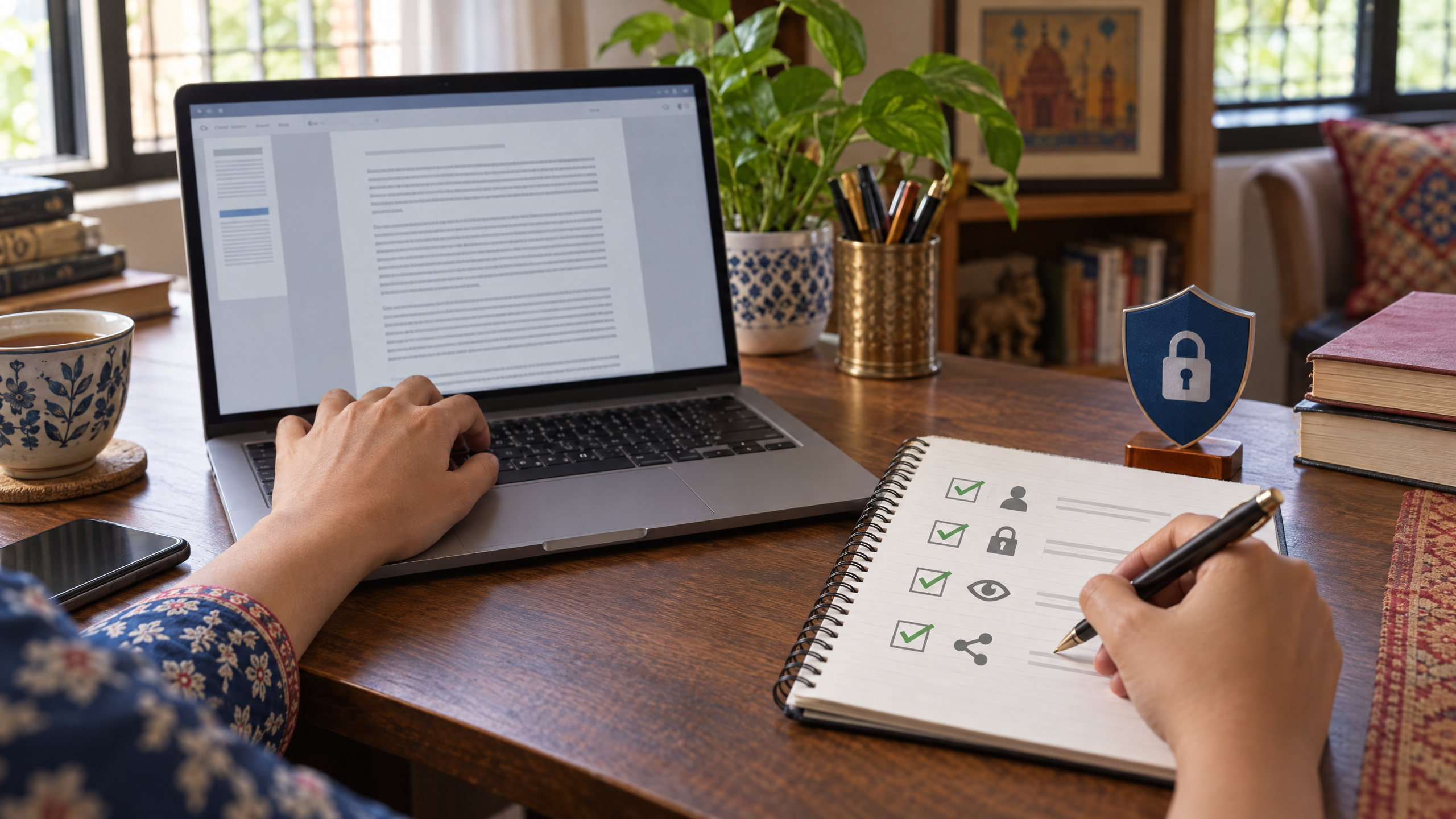
Write down these choices before opening a tool:
- Purpose: what task should the twin help with?
- Audience: who may see the output?
- Material: what information or media would be needed?
- Boundaries: what should it never say or do?
- Approval: who checks each result before it is shared?
If you cannot explain the purpose in one or two sentences, refine the idea first. A basic text profile may be enough for drafting, so do not upload voice recordings or images unless the feature truly needs them.
Try this now: plan a low-risk version
Use this prompt with an AI assistant to outline a safe project. Do not paste private files, photos or recordings into the conversation:
Help me plan a low-risk AI digital twin for [specific task]. I want it to help with [purpose] for [audience]. List the minimum information it might need, what I should not provide, the limits I should set and how I can review its output. Do not imitate my voice, appearance or identity. Ask me questions if you need more context, and do not assume I have agreed to any data use.
Read the plan and remove anything that does not serve the task. If you consider using a tool that works with images, video or voice, first check its current privacy settings and terms, how your uploads may be used, and how to remove them later.
Protect your identity and information
Treat a realistic voice or video representation with care. Do not create or share a twin of another person without their clear permission. Even for your own likeness, tell viewers when media is AI-generated if they could reasonably mistake it for a real recording or statement.
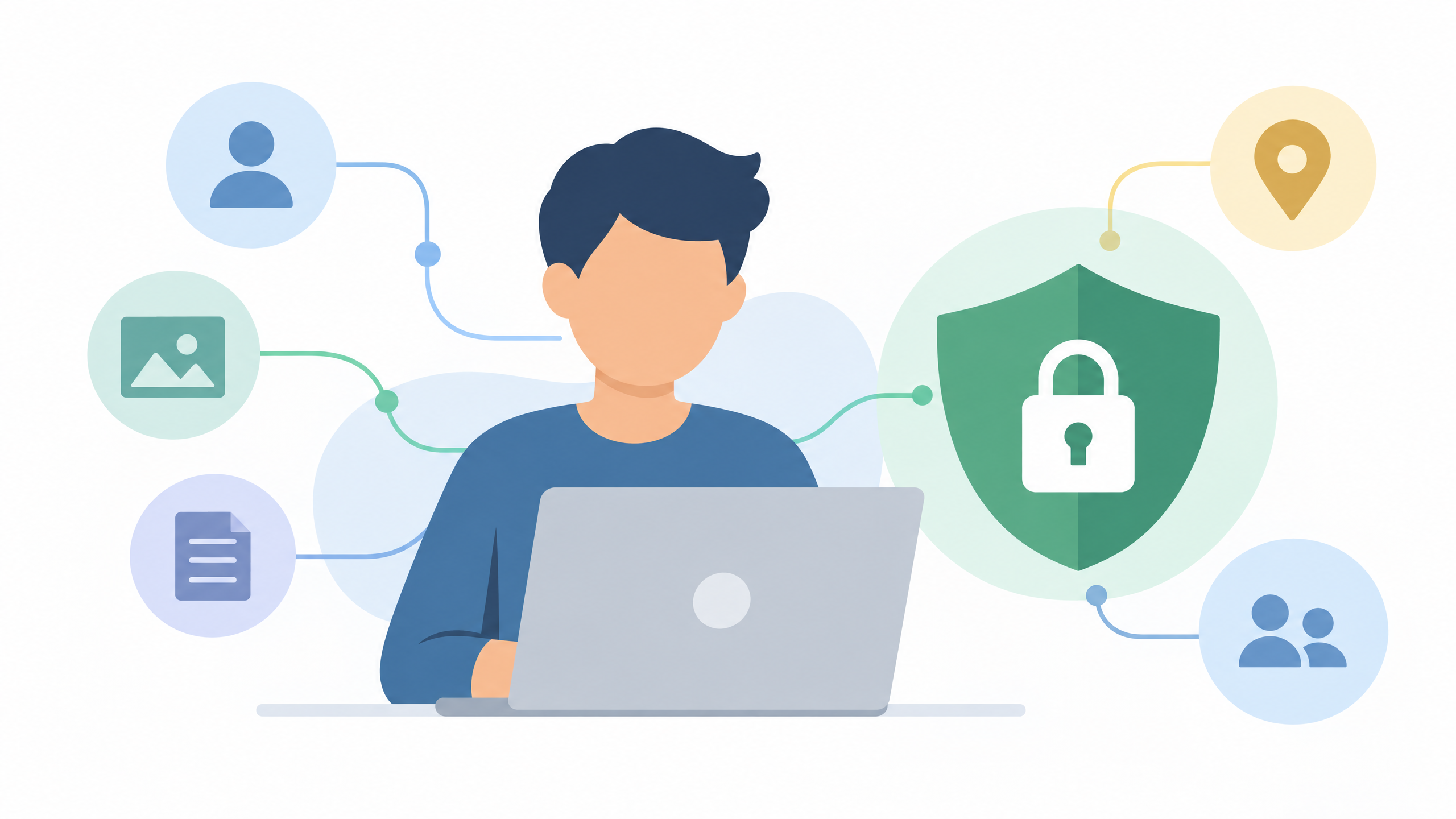
Avoid uploading passwords, bank details, personal ID numbers, confidential work material or private conversations. Check whether a tool stores your files, uses them to improve its services, lets you delete them and allows you to control who can access a project. The details depend on the product, so read its current settings and terms before you upload anything.
Set clear limits for the twin. It should not make commitments, provide sensitive advice, respond to private messages as if it were you or publish content without your review. Keep access limited and use an approval step for anything public, personal or difficult to undo.
Build a useful profile without over-sharing
If you are making a text-based personal assistant, start with information you would be comfortable sharing with a colleague. You could write a short guide to your preferred tone, the kinds of tasks it may help draft and the subjects it should avoid. Use examples you created yourself and remove sensitive names or details.
Test the profile with a few ordinary requests. Does the answer follow your stated tone? Does it invent a preference, past experience or opinion? If it does, correct the instructions and try again. A twin should not be treated as an authority on your life, and people who receive its output should not be led to think that every sentence was personally written or approved by you.
For a reusable way to give clear instructions, read how to write AI prompts. The same habit helps here: state the task, provide only relevant context, set limits and check the result.
When should you use an AI digital twin?
A personal AI representation may be useful for rehearsing a presentation, drafting routine copy or exploring an avatar for a clearly labelled creative project. It may be a poor fit for sensitive conversations, confidential work, legal or financial decisions, or anything where people expect a real-time response directly from you.
Before you use one, ask: could someone be confused about who created this? Does the output contain claims or promises I have not checked? Would I be comfortable if this file or recording were seen by someone outside the intended audience? If any answer raises concern, change the task or do not share the output.
DIT's Create Your AI Digital Twin workshop is a specialist session on creating an AI digital twin of yourself. It costs ₹99 + GST and runs live on Zoom on Thursdays from 7 to 10 pm IST. Review the tool and privacy details for any service you try, because available features and terms vary.
Frequently asked questions
Is an AI digital twin an exact copy of me?
No. It is a tool-generated representation based on selected data, instructions or media, and it can make errors or produce results that do not reflect your views. Review its output and make its AI-generated nature clear when needed.
Do I need to upload my face or voice?
Not necessarily. Some projects may only need a written profile, and different products have different requirements. Use the minimum material needed and check the service's privacy and deletion settings before uploading media.
Can I make an AI twin of someone else?
Do not create or share a representation of another person without their clear permission. Be especially careful with realistic voice or video, which could make others think the person said or did something they did not.
Keep learning with a free class
Join the free AI 101 class to practise clear prompts with ChatGPT, Claude and Gemini, with no coding needed. Bring an idea and learn how to set limits, protect information and check AI outputs before sharing them.